Smart Switch Revolution: Automate Your Lights for Shorter Days
Transform your home's lighting routine with switches that adapt to autumn's changing rhythms
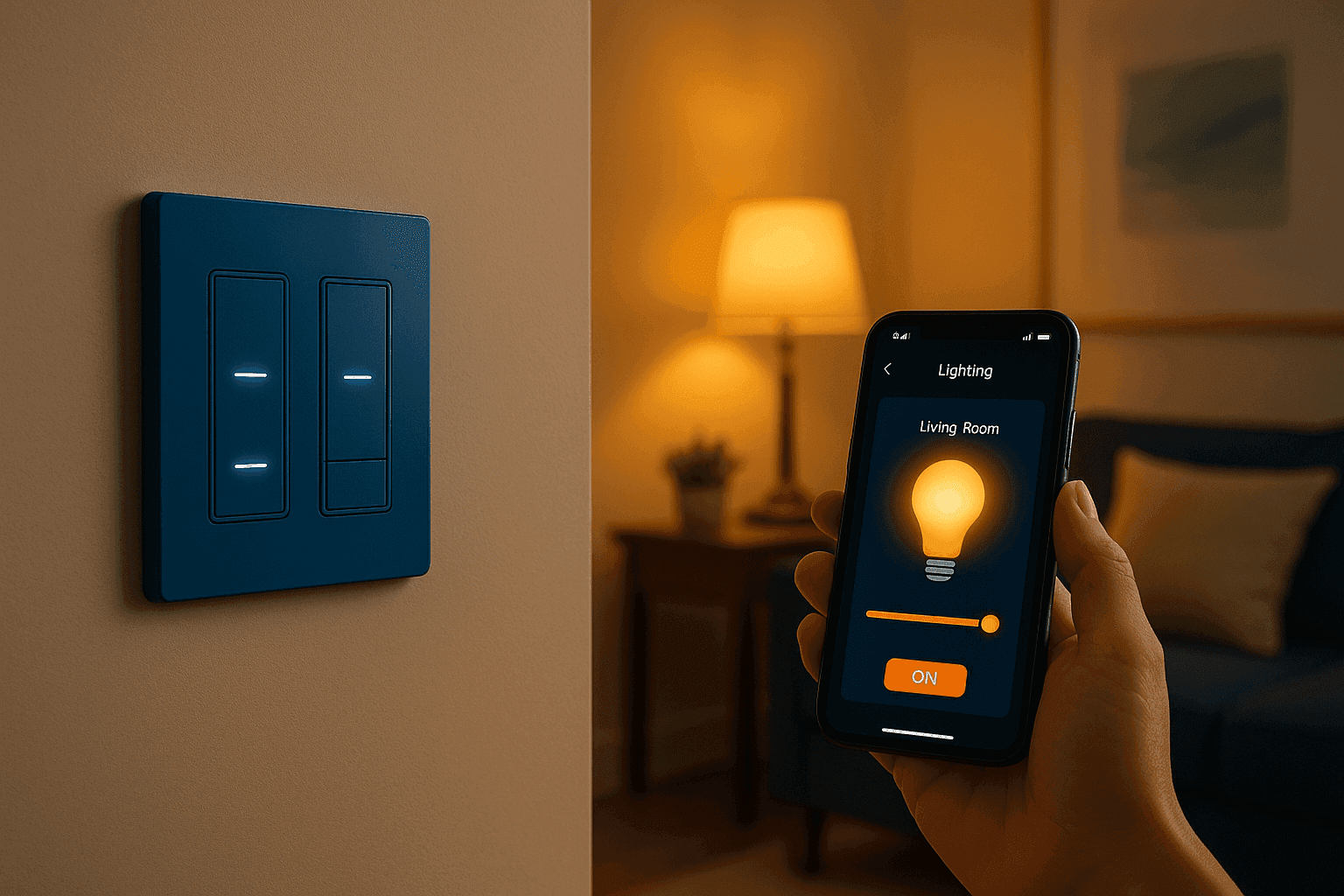
I installed my first smart light switches right before last winter, and honestly, it changed everything about how comfortable and welcoming my home feels during those long, dark months! There's something almost magical about walking into a house that automatically adjusts its lighting to the season, gradually brightening as evening approaches and dimming to help you wind down at bedtime. With daylight hours shrinking fast, having switches that can sense when it's time to create that cozy indoor atmosphere is pure genius. The convenience factor is incredible – no more stumbling around in the dark or forgetting to turn lights on before you get home from work. These smart switches have become my favorite home upgrade because they make daily life so much smoother while also making my house feel more sophisticated and energy-efficient. It's like having a personal lighting assistant that never forgets and always knows exactly what you need!
Switch & Installation
- Smart Switches: WiFi-enabled programmable switches with dimming capability ($25-60 each)
- Hub Requirements: Some switches need smart home hub, others connect directly to WiFi ($50-100 if needed)
- Electrical Tools: Non-contact voltage tester, wire strippers, screwdrivers ($15-25)
- Wire Nuts: Appropriate connectors for electrical connections ($3-5)
- Installation Supplies: Electrical tape, wire labels for organization ($5-8)
- Mobile App: Manufacturer's control app (usually free download)
- Cost Per Switch: $30-80 including installation supplies and setup
Installation Process
- Turn off power at breaker and verify with voltage tester before touching any wires
- Remove existing switch and take photo of wire connections for reference
- Check box for neutral wire - smart switches typically require neutral connection
- Connect smart switch wires according to manufacturer's diagram and local codes
- Secure switch in wall box and attach cover plate, restore power
- Download manufacturer's app and follow setup instructions for WiFi connection
- Program schedules, dimming levels, and seasonal adjustments through app
- Test all functions including manual operation, app control, and automated schedules
Smart home professionals know that the secret to switches that actually improve your life is thoughtful programming, not just installation. Here's my signature setup: create "scenes" that automatically adjust multiple lights together – like "Evening Arrival" that turns on entry, living room, and kitchen lights to 70% when you unlock the front door. My favorite autumn feature is the "Sunset Simulation" that gradually brightens indoor lights as natural daylight fades, preventing that jarring transition from bright day to sudden darkness. Pro tip: install smart switches in high-traffic areas first – hallways, main living spaces, and bedrooms where you'll appreciate the convenience most. Also, choose switches with physical buttons so guests can still control lights normally without needing your phone or knowing voice commands!